TL;DR
1
Check transaction statuses
Identify billed, delivered, and approved statuses in DigitalRx.
2
Understand billed status
Billed means claim is adjudicated and paid.
3
Identify delivered status
Delivered indicates the patient picked up the prescription.
4
Recognize approved status
Approved means the pharmacist has authorized the prescription.
5
Verify amend transactions
Check for any changes made to transactions and verify them.
Let's Do It Together!
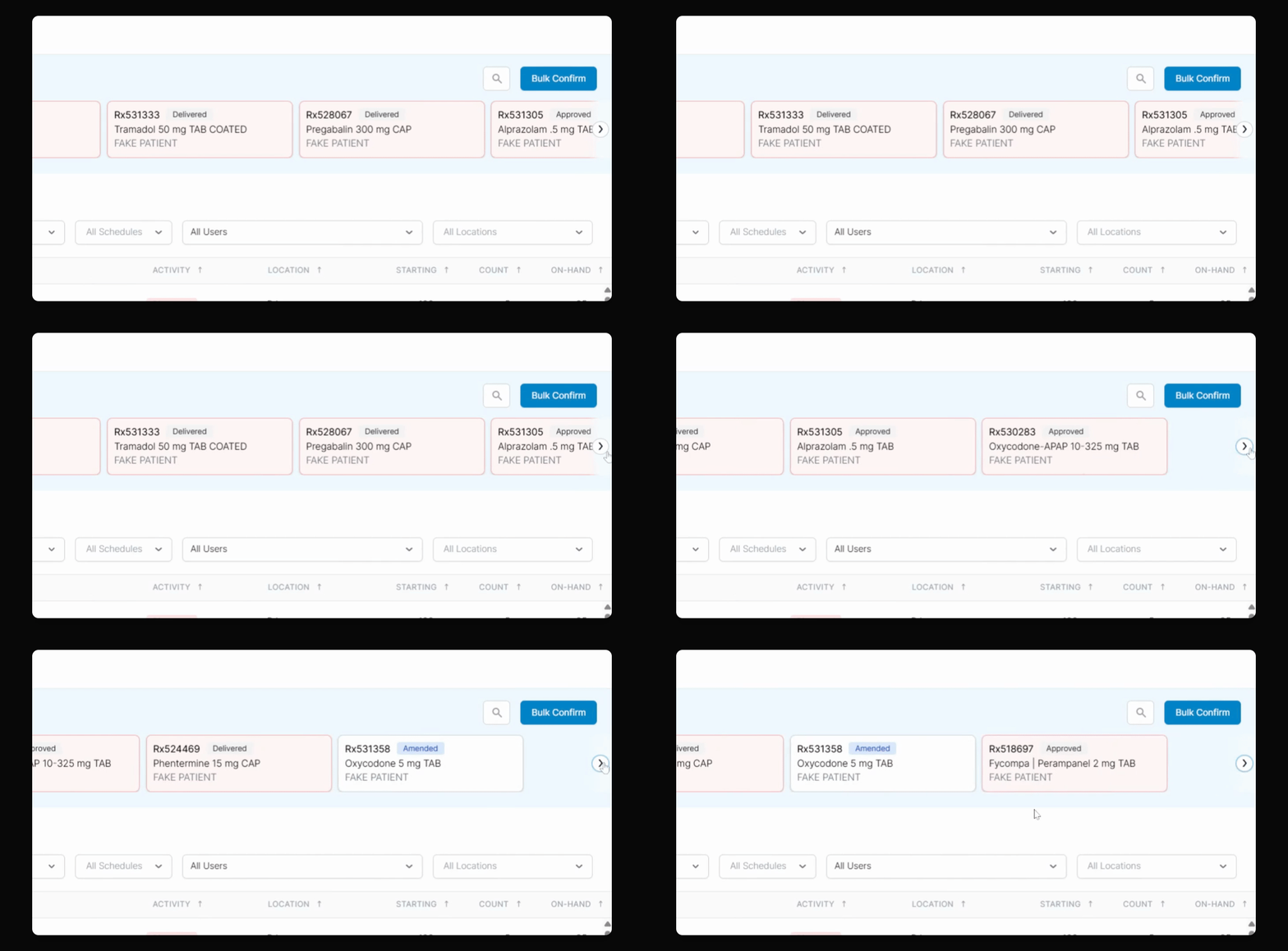
Step 1: Review Transaction Statuses
Check the transactions for statuses: billed, delivered, and approved.
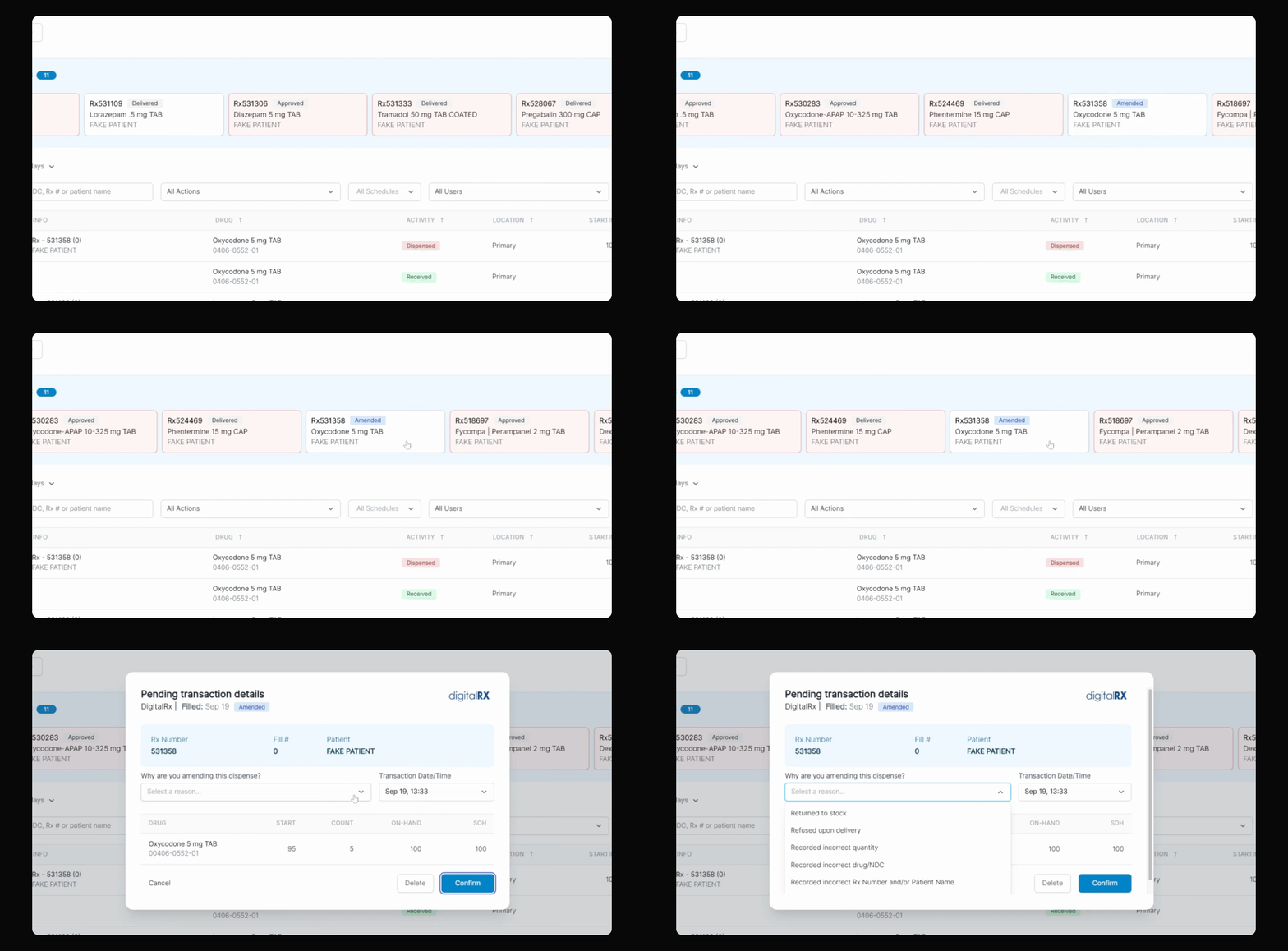
Identify any pending transactions from DigitalRx in C2 Keep.
You'll have a clear view of the current statuses of your transactions.
Step 2: Understand 'Billed' Status
'Billed' indicates the claim has been adjudicated and covered by insurance.
Step 3: Identify 'Delivered' Status
'Delivered' shows that the patient has picked up the prescription.
Step 4: Recognize 'Approved' Status
'Approved' means the prescription has been approved by the pharmacist.
Step 5: Handle Amended Transactions
Review any amended transactions that require confirmation in C2 Keep.
Check if the transaction was altered due to reasons such as: returned, stopped, refused, incorrect quantity, incorrect drug, or incorrect patient name.
Ensure all amendments are verified for accuracy.