TL;DR
Let's Do It Together!
Step 1: Create Your Account
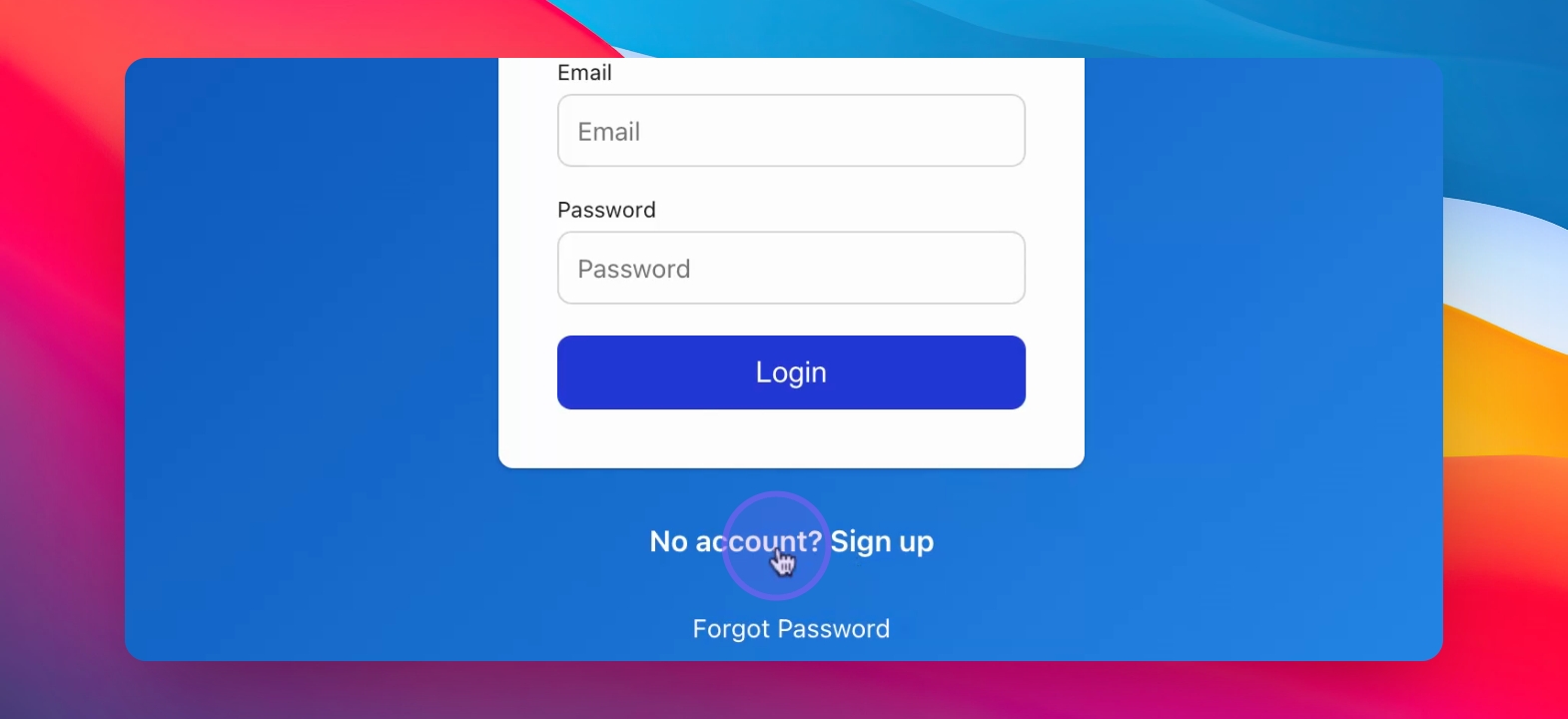
Go to the Sign Up button.
Fill in your information: email and password.
Use the same email as in the judge application form you filled up earlier.
Click to agree to the terms before signing up.
After signing up, proceed to login with your email and password.
Step 2: Login and Access Home Page
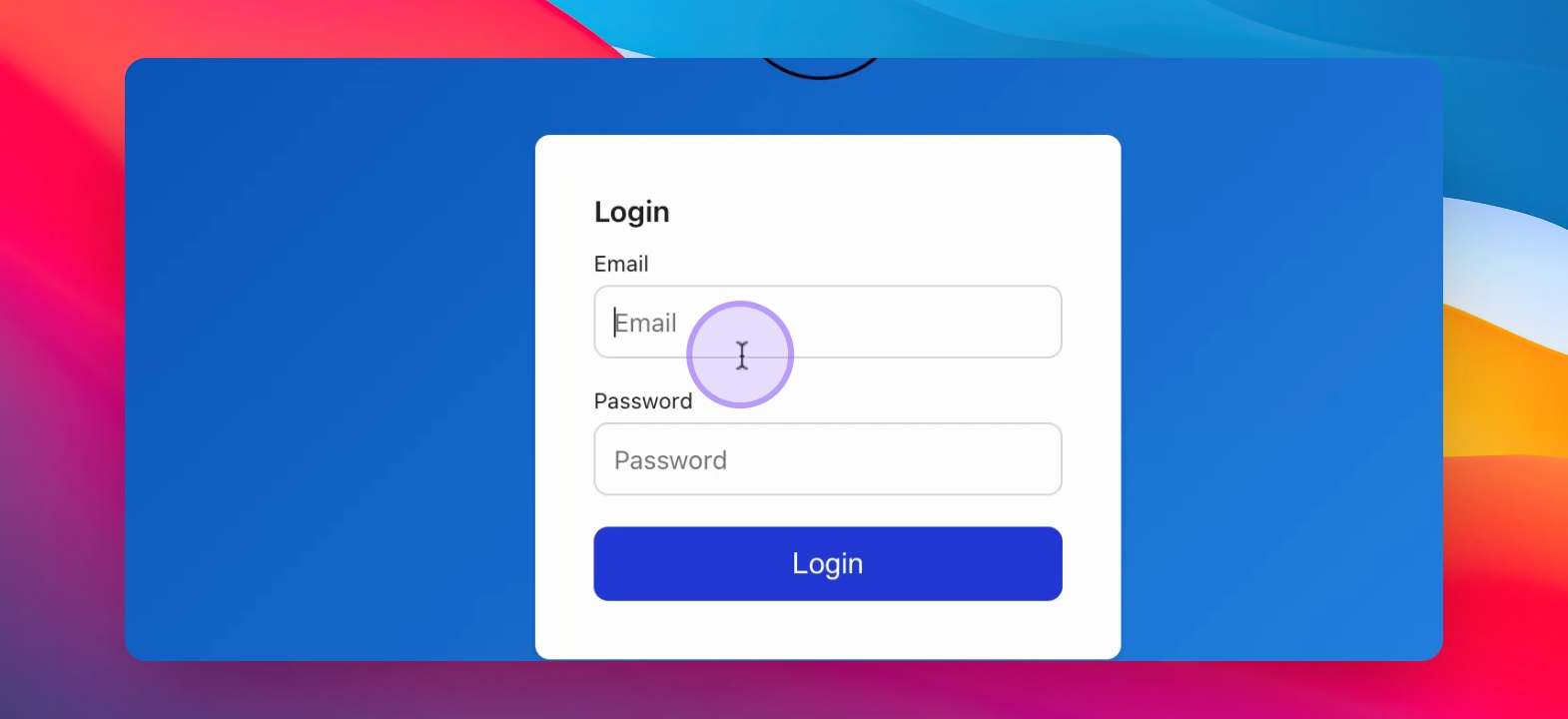
Enter your email and password to login.
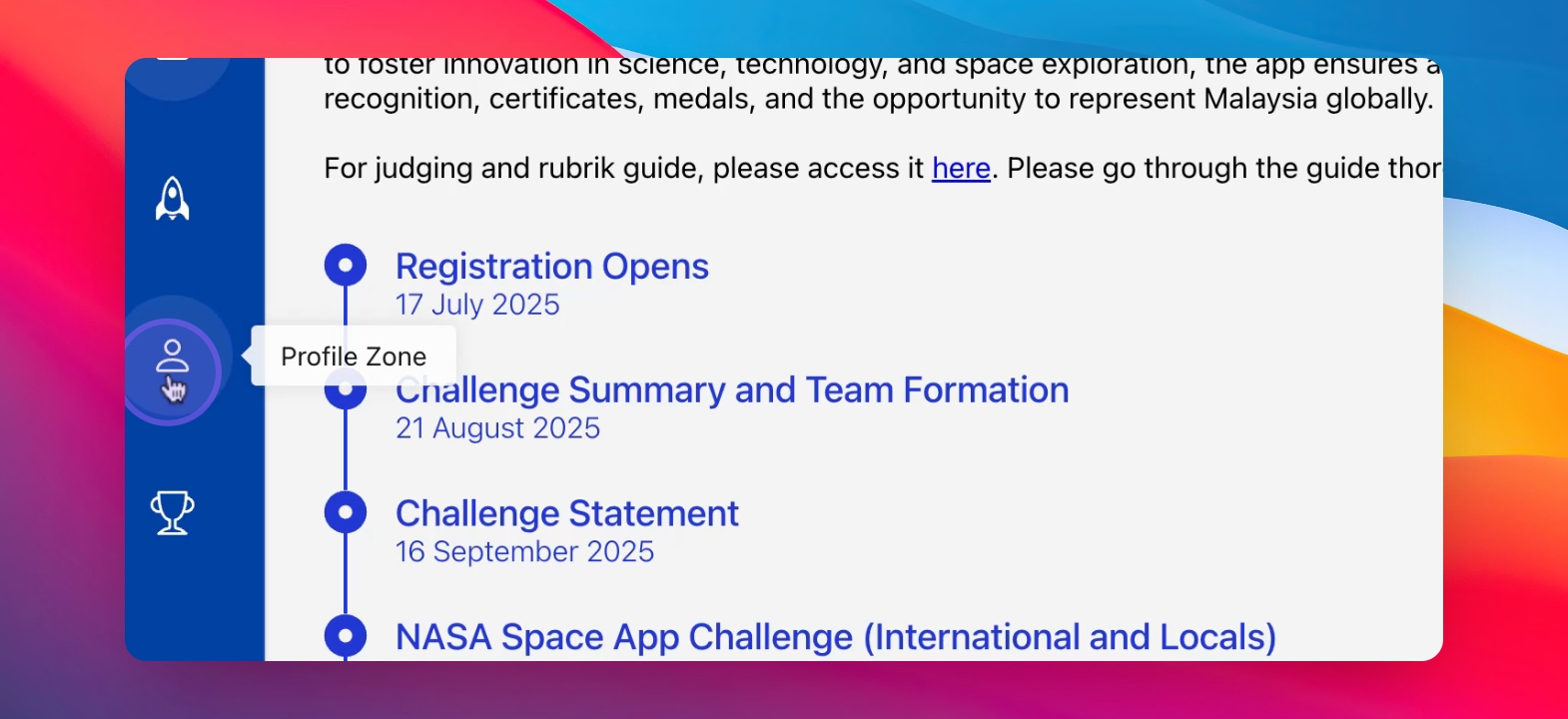
You will be directed to the home page showing app description and NASA Space App Challenge timeline.
Now you can see three tabs on the left for different task zones.
Step 3: Update Your Profile
Click on the Profile Zone tab (human figure icon).
Enter your personal information as required.
Click the save button after filling out the information.
The save button will only appear after entering valid information.
Step 4: Evaluate Projects
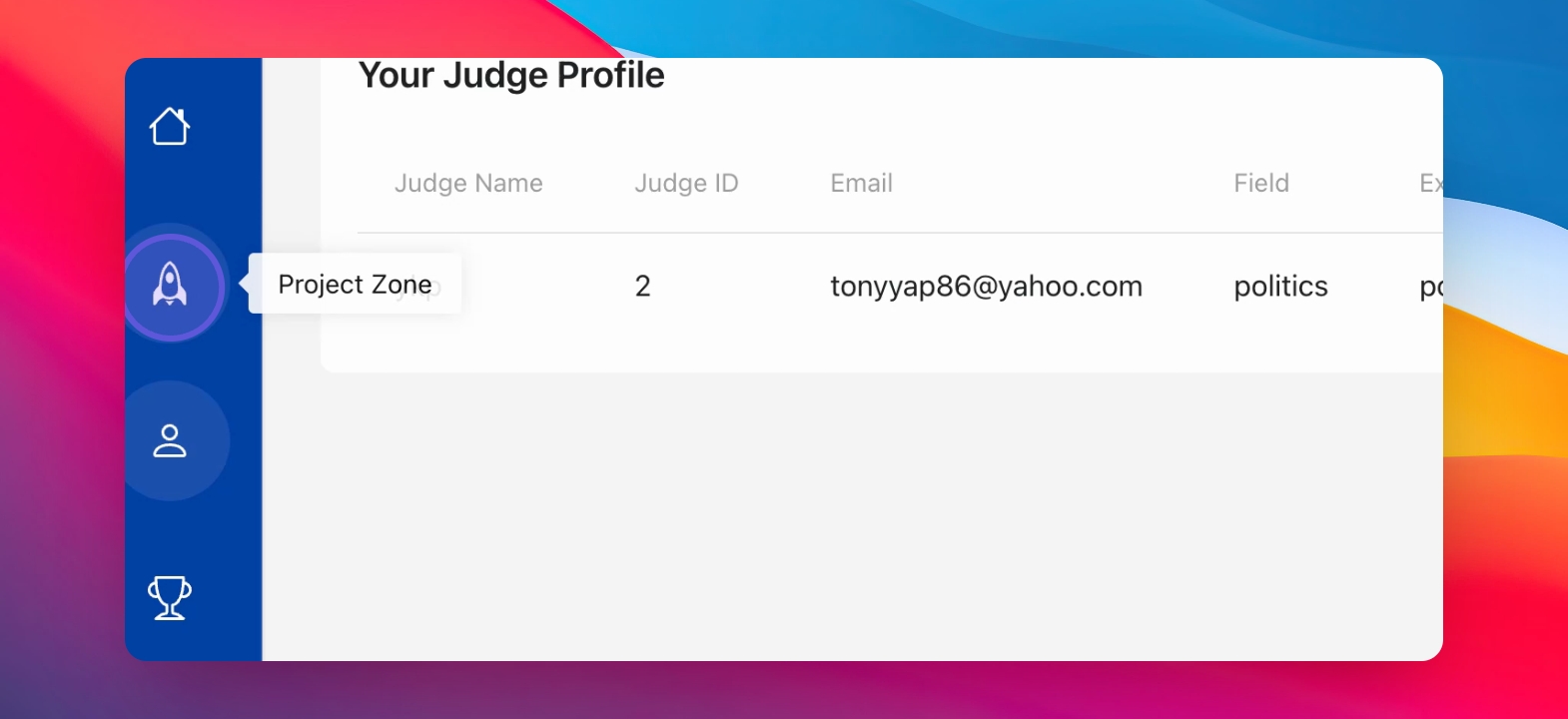
Click on the Project Zone tab (rocket icon).
Your assigned projects will be displayed (after the challenge ended).
Click on project links to evaluate them.
Your judge ID and email will be visible for verification.
Step 5: Score the Projects
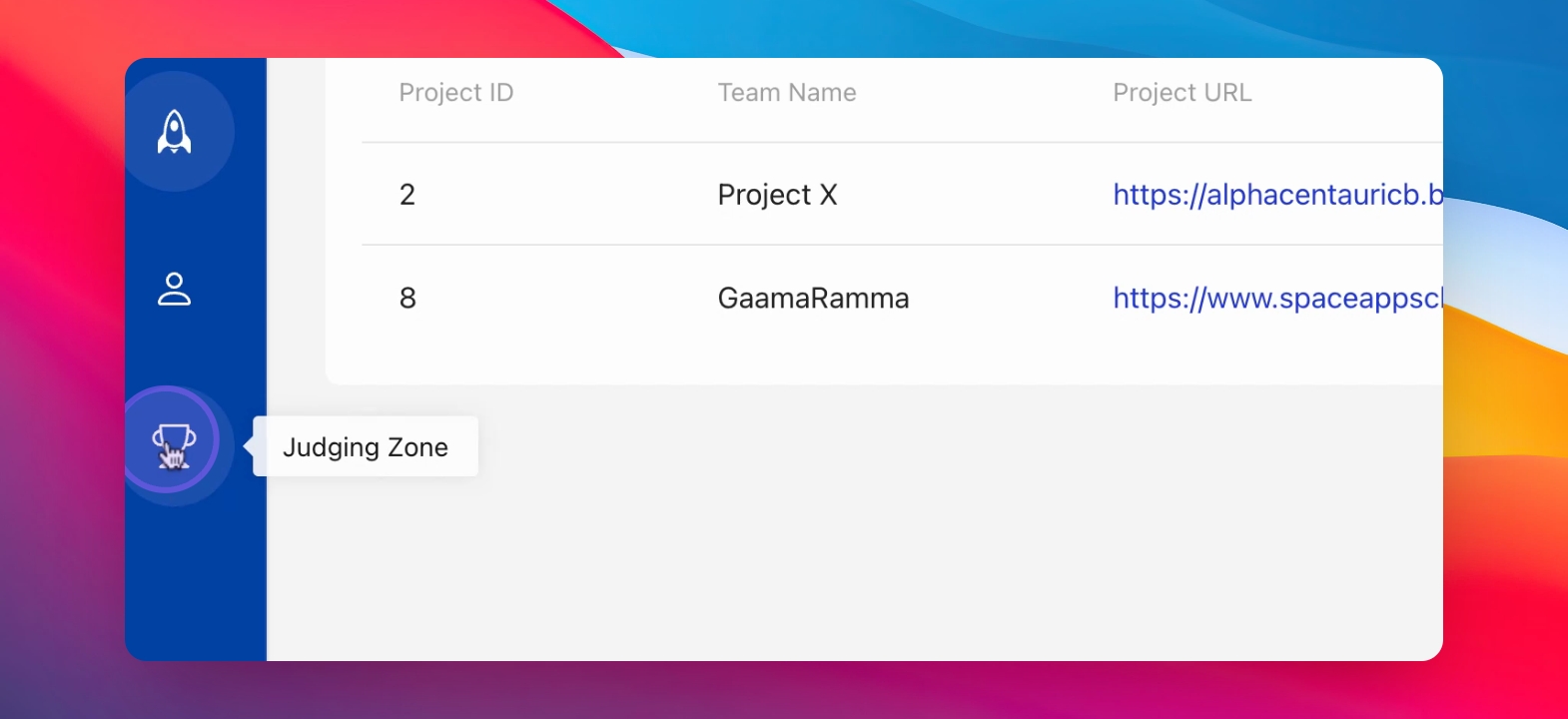
Click the Judging Zone (trophy icon).
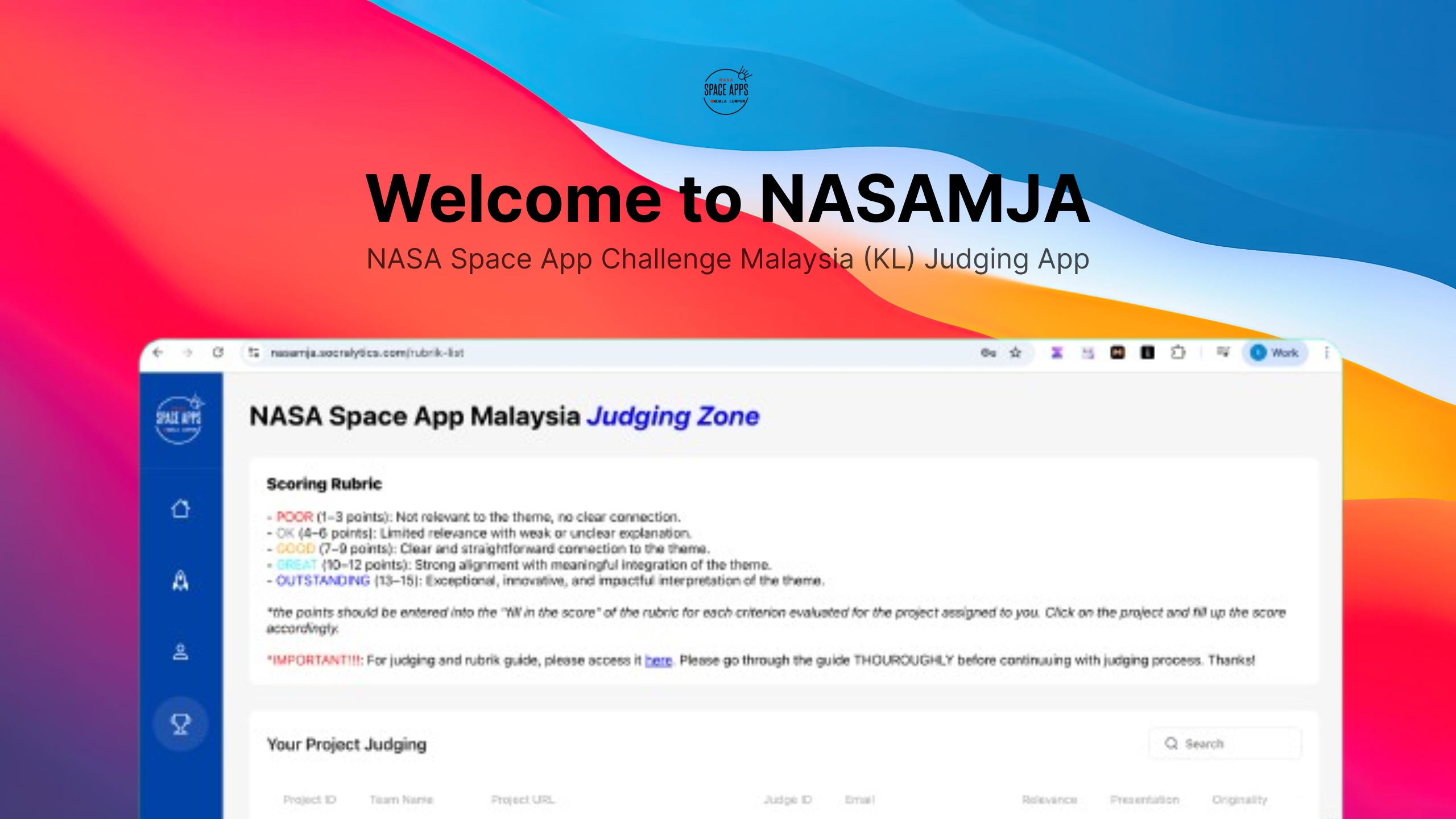
Review the scoring rubric provided. MAKE SURE YOU READ THOROUGHLY THE JUDGING GUIDE !
Fill in scores for each criterion in the popup accordingly.
MANUALLY calculate and fill in the total score.
Click the save button after entering all scores to finalize.